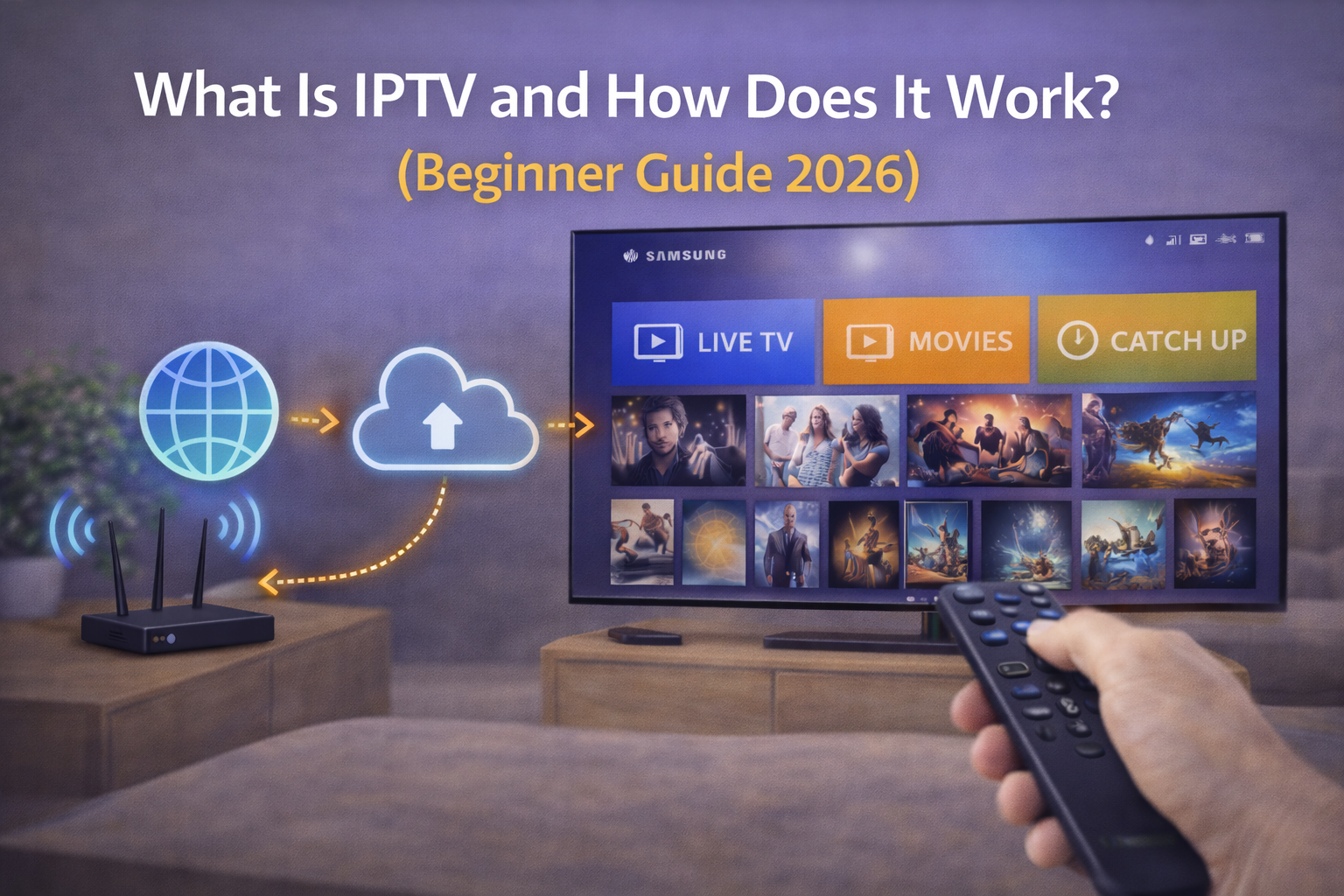
What Is IPTV and How Does It Work? (Beginner Guide 2026)
If you are new to streaming, one of the first questions you will ask is: what is IPTV and how IPTV works in real life. IPTV means Internet Protocol Television, which is simply TV delivered through internet networks instead of traditional broadcast systems. This guide explains the basics in plain language so beginners can understand the technology, setup process, and practical expectations in 2026.
Qué es IPTV en términos simples
IPTV is television content delivered through an IP network. Instead of receiving channels through satellite dish signals or cable infrastructure, your app receives streams over internet protocols. In daily use, the experience can feel similar to normal TV, but the delivery path is different.
You usually access IPTV with an application such as IPTV Smarters, TiviMate, IBO Player, or similar players. These apps do not provide channels by themselves. They read credentials or playlist information provided by your legal subscription source.
Cómo funciona IPTV: paso a paso
- Content is prepared at source
Live channels and on-demand media are encoded on servers.
- Streams are distributed through IP network
The provider infrastructure delivers video packets to users.
- Your app authenticates
You log in using Xtream Codes or load an M3U playlist.
- The player decodes video
Your app or device decoder turns packets into playable video.
- EPG data is loaded
The electronic program guide maps channel schedules.
In short, when someone asks how IPTV works, the answer is: server delivery + app authentication + device decoding.
IPTV Delivery Formats You Will See
- Live TV streams: linear channels
- VOD (Video on Demand): movies and series library
- Catch-up/Replay: previously aired content where available
Some apps support all formats, while others focus mainly on live channels.
Dispositivos compatibles con IPTV
- Smart TV (Samsung, LG, Android TV)
- Fire TV Stick
- Android boxes
- Phone and tablet (Android / iOS)
- PC and Mac
Compatibility depends on app availability and account method (Xtream, M3U).
Flujo de configuración para principiantes
- Install a trusted IPTV player app.
- Get legal subscription credentials.
- Add Xtream Codes or M3U URL.
- Load channels and EPG.
- Test playback quality and network stability.
Errores comunes de principiantes
- Choosing apps before checking device support
- Entering URL with missing protocol or port
- Ignoring timezone settings (EPG breaks)
- Using crowded 2.4 GHz Wi-Fi for HD/4K streaming
- Expecting the app to include channels without subscription
Comparison Table: IPTV vs Cable vs Satellite
| Feature | IPTV | Cable TV | Satellite TV |
|---|---|---|---|
| Delivery path | Internet protocol | Coaxial cable network | Satellite broadcast |
| Flexibility | High | Medium | Medium |
| Device options | Very broad | TV-centric | TV-centric |
| Setup complexity | App-based | Provider installation | Dish + receiver |
| Mobility | High | Low | Low |
FAQ
What is IPTV in one sentence?
IPTV is TV content delivered over internet protocol networks.
How IPTV works with apps?
Apps authenticate your account and decode live/VOD streams from servers.
Do I need a special device?
No. Many users stream on Smart TV, Fire Stick, mobile, or PC.
Is IPTV the same as Netflix?
No. Netflix is a specific OTT service, while IPTV is a delivery model for TV streams.
Why does EPG sometimes fail?
Usually timezone mismatch or incorrect EPG source URL.
Is high speed enough for IPTV?
Speed helps, but stability and low packet loss are equally important.
What is easier for beginners: Xtream or M3U?
Xtream is usually easier to maintain.
Can I use one account on multiple devices?
Only if your subscription includes multiple simultaneous connections.