12 min de lecturaTroubleshooting
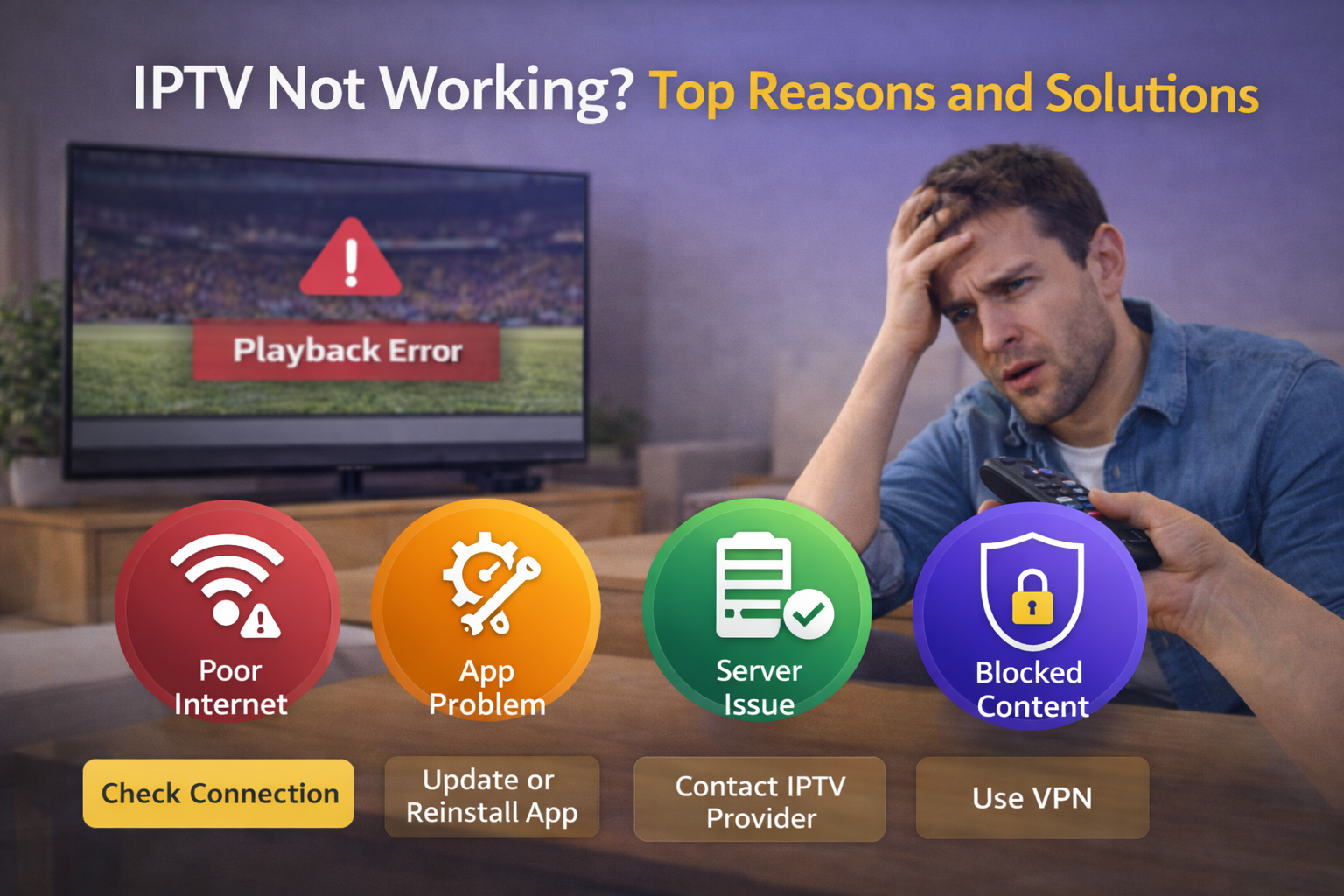
IPTV Not Working? Top Reasons and Solutions
If IPTV not working is your current problem, this guide gives a direct action plan. We focus on real causes and practical fixes so you can fix IPTV problems quickly on Smart TV, Fire Stick, Android TV, and mobile devices.
Flujo de diagnóstico rápido
- Check if login works.
- Test one live channel and one VOD title.
- Confirm internet stability (not only speed).
- Refresh playlist and EPG.
- Switch player mode and retry.
Principales razones por las que falla IPTV
- Wrong credentials
- Expired subscription
- Playlist URL expired
- EPG source invalid
- App cache corruption
- Weak Wi-Fi / high jitter
- Provider-side maintenance
Soluciones paso a paso
Login and credentials
- Re-enter server URL, username, password
- Remove accidental spaces
- Verify account status with support
Playlist and EPG
- Reload M3U/Xtream profile
- Replace outdated links
- Refresh EPG manually
App and device
- Clear cache
- Restart app/device/router
- Update app and firmware
Network
- Use Ethernet if possible
- Reduce concurrent traffic
- Optimize router channel/QoS
Notas según dispositivo
Fire Stick
Clear cache and free storage first.
Smart TV
Reinstall app if channel list fails to load.
Android TV box
Test alternate decoder/player mode.
Table: Symptom to Likely Cause
| Symptom | Likely Cause | First Fix |
|---|---|---|
| Login failed | Credentials/URL format | Re-enter credentials |
| Channels empty | Playlist issue | Reload M3U/Xtream |
| EPG missing | EPG URL/timezone | Refresh EPG + timezone |
| Frequent buffering | Network instability | Ethernet + router restart |
| App crashes | Cache/storage | Clear cache + update app |
FAQ
Why did IPTV stop working suddenly?
Commonly due to credentials, expired plan, or provider node issue.
Should I reinstall app immediately?
Try cache clear and profile reload first.
Does changing app always solve it?
Not always. Root cause may be account or network.
Why channels load but no video?
Likely decoder/player compatibility issue.
Why only some channels fail?
Could be source-specific channel issues.
Should I contact support before testing locally?
Run quick local checks first; then send detailed issue report.
Is IPTV failure always provider fault?
No. Home network and device settings often contribute.
What is the best first fix?
Restart chain: app, device, router, then refresh profile.